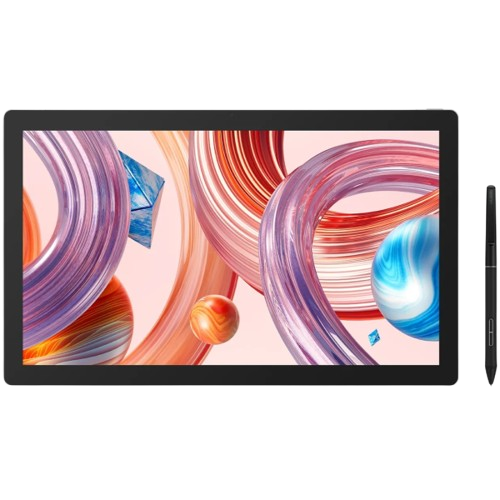
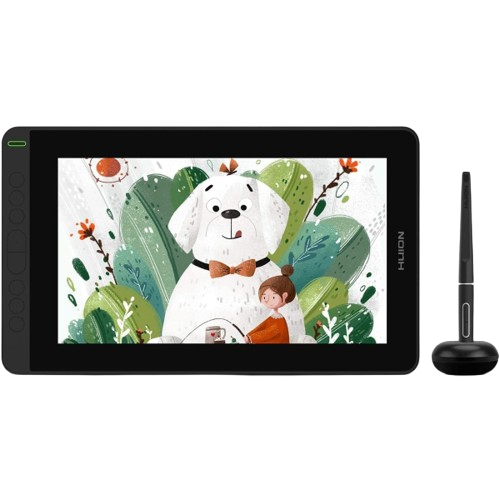
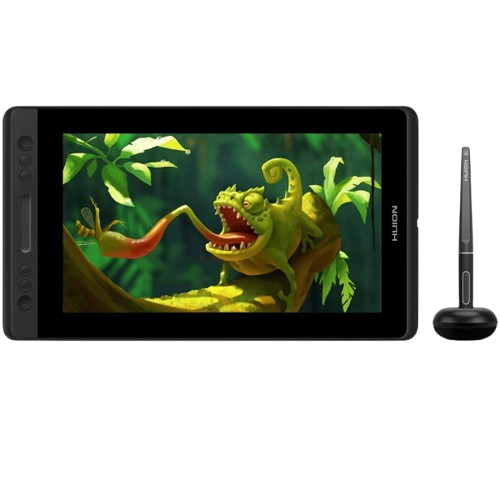
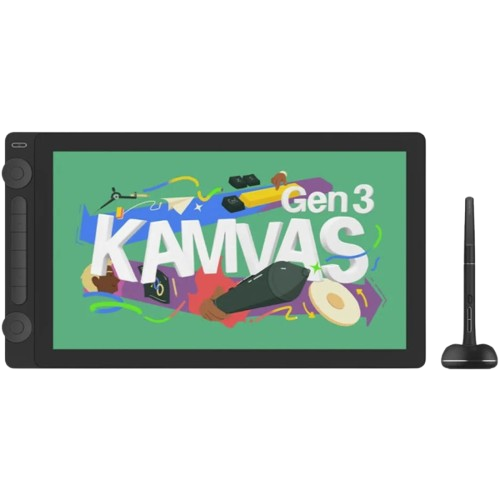
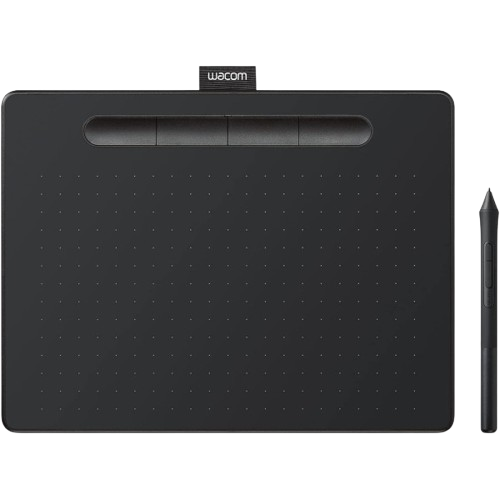
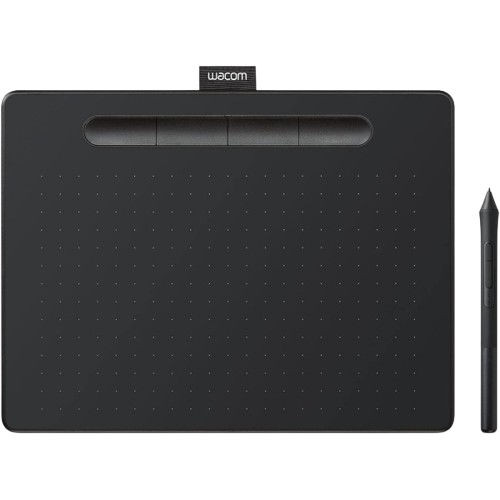
Tablet size isn't just a spec — it changes hand movement, desk fit and comfort. Here's how to actually choose, with real Graphic tablets Kenya products and prices.
Introduction
Once you have decided between a pen tablet, a pen display or a pen computer using our guide to the three device types, a second decision is waiting right behind it: what size should you actually buy? Size is not a minor spec to skim past. It changes how far your hand travels for every stroke, how the tablet sits on your desk next to your keyboard, and in the case of a pen display, whether the screen even fits comfortably in your workspace.
This article works through tablet size on its own, in the depth our complete guide to buying a drawing tablet in Kenya does not have room for. Every measurement and price below is drawn from manufacturer specification pages and from the Graphics Tablets Kenya catalogue at the time of writing, and we say so wherever a figure comes from one source rather than the other.
What "Tablet Size" Actually Means
"Size" is used loosely in tablet marketing, and it can mean three different things depending on which one a listing happens to quote:
- Active area — the actual surface your pen can draw on. This is the number that matters most for how a tablet feels to use.
- Screen size — on a pen display or pen computer, the diagonal measurement of the visible screen, quoted in inches, the same way a monitor or laptop screen is measured.
- Physical (overall) size — the outer footprint of the whole device, bezels, buttons and all, which is always larger than the active area or screen inside it.
These three numbers do not move together in fixed proportion. A tablet can have a small active area but a bulky body, or a fairly large screen packed into a surprisingly tight bezel. Knowing which "size" a spec sheet is quoting, before you compare two tablets, avoids the most common size-related buying mistake.
- 01Small vs Medium vs Large Active Areas
- 02How Tablet Size Affects Hand Movement and Drawing Comfort
- 03Active Drawing Area vs Physical Tablet Size
- 04Small Tablets — Who They Suit
- 05Medium Tablets — Who They Suit
- 06Large Tablets — Who They Suit
- 07Matching Tablet Size to Your Monitor, Laptop and Desk
- 08Recommended Tablet Sizes by Use Case
- 09Real Product Examples from Graphics Tablets Kenya
- 10A Simple Size Decision Framework
Small vs Medium vs Large Active Areas
Graphics Tablets Kenya's own Find My Tablet tool sorts every pen tablet, pen display and pen computer we stock into one of three size bands, and we use the same bands throughout this article so the two stay consistent:
- Pen tablets (no screen) are banded by active-area width: Compact is 6 inches or narrower, Medium is roughly 6 to 9.5 inches, and Large is anything wider than 9.5 inches.
- Pen displays and pen computers are banded by screen size: Compact is under 13 inches, Medium is 13 inches up to just under 15.6 inches, and Large is 15.6 inches and above.
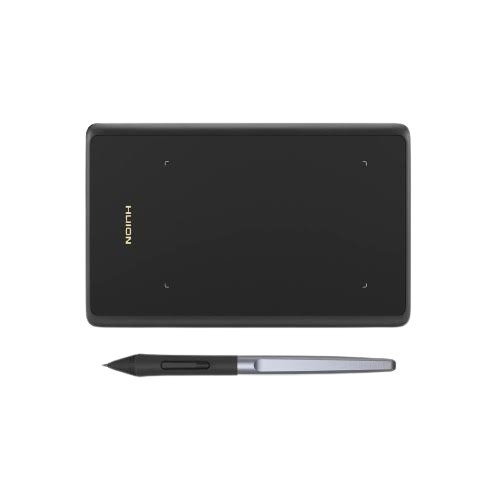
A concrete example makes the difference in active area clearer than inches alone. The Huion Inspiroy H420X, our smallest pen tablet, has an active area of 106 x 66mm (4.17 x 2.6 inches), according to Huion's own product page. The Huion Inspiroy Q620M, one of our largest, has an active area of 266.7 x 166.7mm (10.5 x 6.5 inches) in its standard PC mode. That is roughly six times the drawing surface in the same product category, for a difference that a simple "small vs large" label does not communicate on its own.
How Tablet Size Affects Hand Movement and Drawing Comfort
A pen tablet or pen display maps its entire active area to your full screen resolution by default. That single fact explains most of what people notice, good and bad, about a given size.
On a small active area, a short, small movement of your hand covers a large distance on screen. Fine details are easy to reach without over-extending your wrist, which is why compact tablets are genuinely comfortable for line art, lettering and lap-based or couch-based drawing. The trade-off is precision at speed: because a small hand movement maps to a large on-screen distance, very fine adjustments require slowing down and can feel twitchy until you build familiarity with the ratio.
On a large active area, the opposite is true. Movements feel closer to their natural, physical scale, similar to drawing on a real sheet of paper, which many illustrators and painters prefer for sweeping gestural strokes and full-arm motion. The cost is reach: a large active area asks more of your shoulder and upper arm over a long session, and can feel like overkill if most of your work is precise, small-scale detail rather than broad gesture.
Neither end of that spectrum is objectively more "comfortable." It depends on your drawing style, the kind of work you do most, and, candidly, on how much desk space and arm movement you are willing to commit per stroke. Working area settings inside the Huion driver — covered in our driver installation and setup guide — let you shrink the active portion of a larger tablet to only part of its surface, which is one practical way to soften this trade-off after purchase rather than only before it.
Active Drawing Area vs Physical Tablet Size
Because the active area always sits inside a larger physical body, two tablets with a similar active area can still take up noticeably different amounts of desk space, and this is where a lot of the practical "will this fit my desk" question is actually decided.
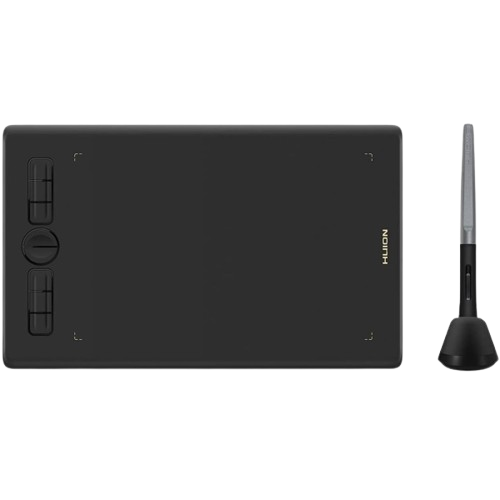
Compare our two smallest pen tablets. The Huion Inspiroy H420X has an overall footprint of 172 x 109.6mm around its 106 x 66mm active area, according to Huion's specification page — a fairly tight bezel for its size. Move up one tier, and the Huion Inspiroy H580X is 276.7 x 170.6mm overall around a 203.2 x 127mm (8 x 5 inch) active area. The active area roughly doubled in width, but the overall body grew by a similar proportion, not by more — a useful sanity check that "bigger active area" does not automatically mean "disproportionately bigger tablet."
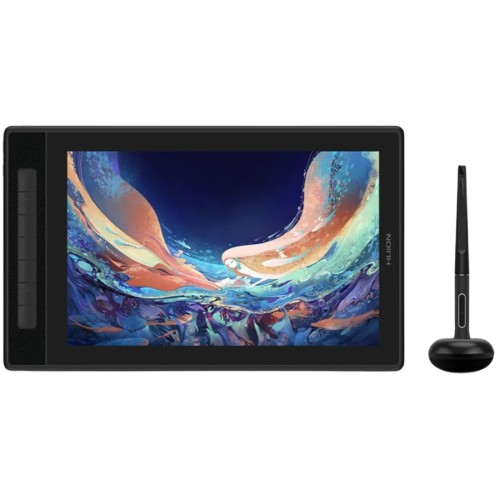
Pen displays add a second physical-size factor beyond the bezel: the screen's own drawing surface is very close to its rated screen size, but the outer body still has to accommodate ports, a kickstand or stand mount, and internal electronics. The Huion Kamvas Pro 13 (2.5K), a 13.3 inch pen display, measures 373.5 x 229.1 x 10mm overall for a 286.5 x 179mm active drawing area, per Huion's own specification page. When you are checking whether a pen display will fit your desk, use the overall dimensions, not the screen size alone — the screen size describes what you draw on, not what you need to physically clear space for.
Small Tablets — Who They Suit
Compact pen tablets and pen displays suit a specific, common set of circumstances rather than a specific skill level. They make sense if:
- You work on a laptop, at a small desk, or in a shared space where a large device is impractical.
- You travel often, or move between locations — the Inspiroy H420X weighs about 105 grams and is 7mm thick, light enough to carry without noticing it in a bag.
- Your work is mostly line art, lettering, lightweight retouching, note-taking or sketching rather than large gestural painting.
- You are trying digital drawing for the first time and do not yet want to commit a large budget or a large amount of desk space to it.
The trade-off, covered above, is that fine hand movements map to larger on-screen distances, which some users adjust to within a session and others find limiting for detailed, zoomed-in work over time. A compact pen display, like the Huion Kamvas Pro 12 or the Huion Kamvas 12, both 11.6 inch screens, gives you the on-screen drawing feel of a pen display without the desk footprint or price of a larger panel.
Medium Tablets — Who They Suit
Medium is the size Graphics Tablets Kenya sees most first-time buyers settle on once they have used a compact tablet or tried one at a friend's setup, because it removes the most common compact-tablet complaint — feeling cramped during detailed work — without the price and desk-space jump of a large panel.
A medium pen tablet, such as the Huion Inspiroy H580X (203.2 x 127mm active area) suits regular hobbyists, students doing coursework alongside a laptop, and anyone who has outgrown a compact tablet's reach but does not need a full-arm drawing surface. A medium pen display, such as the Huion Kamvas Pro 13 (2.5K) at 13.3 inches, is a common choice for illustration and design work where you want to draw directly on screen but do not have (or want) a dedicated large-monitor-style setup.
Large Tablets — Who They Suit
Large active areas and large screens suit people who already know their workflow benefits from more physical space: professional illustrators used to full-arm strokes, painters working on large or highly detailed canvases, and photo editors or designers who want a big enough on-screen canvas to see fine adjustments clearly without constantly zooming.
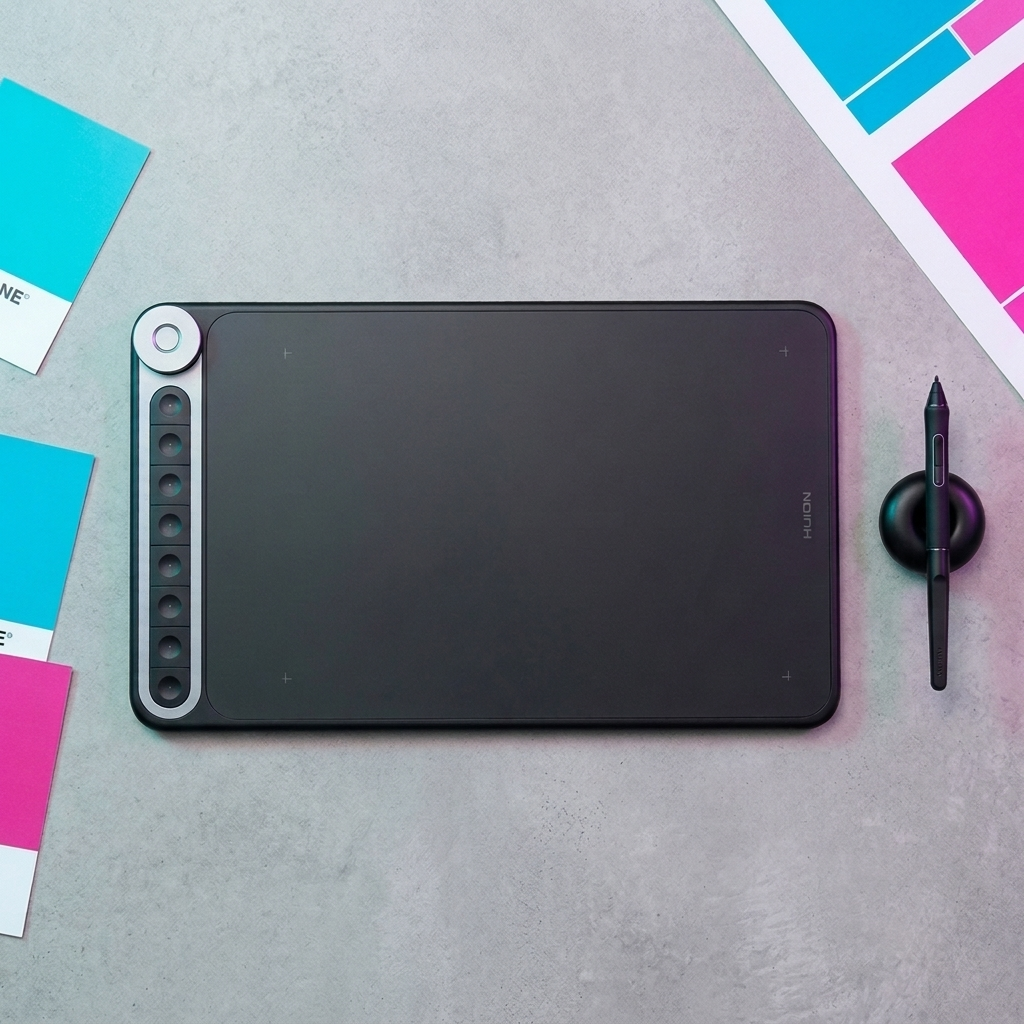
On the pen-tablet side, the Huion Inspiroy Q620M (266.7 x 166.7mm active area, wireless, with a dial control) suits an experienced user who wants a large screenless surface without a screen's added cost and weight. On the pen-display side, the Huion Kamvas 16 (Gen 3), a 15.8 inch screen, sits at the large end of our range by the threshold above (15.6 inches and up) and suits a dedicated drawing station rather than a laptop bag. If you want a full computer built into that size of screen rather than a display that plugs into a separate machine, the Huion Kamvas Studio 16 is currently our only pen computer, also a 15.8 inch screen, and is currently listed as shipped from abroad rather than held in regular local stock — worth confirming lead time before committing to it for a deadline.
The honest trade-off: large tablets cost more, need more desk space, and ask more of your arm over long sessions. They are not automatically the "better" choice — see the next section.
Does Bigger Actually Mean Better?
Not on its own. A larger active area or screen gives you more physical room to move and, on a pen display, a bigger on-screen canvas to look at — genuinely useful for some work. It does not make your linework steadier, your pressure control finer, or your finished piece better, and none of that is manufacturer-specified because it is not a manufacturer spec at all; it depends on how you draw.
The clearest sign that "bigger" is the wrong axis to optimise for on its own: our own Find My Tablet tool weighs your screen preference, your budget and your skill level far more heavily than the size question, precisely because size is a comfort and workspace decision, not a skill or quality tier. A beginner on a compact tablet and a professional on a large pen display can both be equally well served by the size they chose, for different, equally valid reasons.
Where bigger genuinely does help is a short, specific list: full-arm gestural painting, working across a large multi-panel canvas, or wanting a pen display to double as a genuinely usable second screen. Outside of that list, the honest advice is to buy the size that matches your desk, your budget and how you actually draw, not the largest one available.
Matching Tablet Size to Your Monitor, Laptop and Desk
For a pen tablet, your monitor size matters more than the tablet's own footprint, because the entire active area maps to your full screen by default. A compact active area mapped to a large, high-resolution monitor exaggerates the "small movement, large on-screen distance" effect described above; the same compact tablet mapped to a small laptop screen feels noticeably closer to natural scale. If you draw on an external monitor rather than a laptop panel, that is a real argument for sizing up one tier from what you would otherwise choose.
For a pen display, the screen you draw on and the screen you look at are the same physical object, so this particular mismatch does not apply — but a different one does. Check that the pen display's overall footprint, not just its screen size, actually fits your desk alongside your existing monitor or laptop, with enough room to rest your arm while drawing. The Kamvas Pro 13 (2.5K), for example, needs 373.5 x 229.1mm of desk footprint for its 13.3 inch screen — plan the space before the purchase rather than after it arrives.
Portability compounds this. A pen tablet that lives permanently on one desk can be sized around that desk alone. A pen tablet or compact pen display that travels with a laptop needs to be judged against the smallest desk or lap space you actually use it on, not your main setup — which is the single biggest reason frequent travellers tend toward compact or medium sizes regardless of budget.
Recommended Tablet Sizes by Use Case
Beginners
Start compact or medium. A low-cost, low-footprint tablet like the Inspiroy H420X or H580X lets you confirm you enjoy digital drawing before committing more budget or desk space to it.
Students
Medium, usually alongside a laptop. Enough room for coursework and casual illustration without competing for space with textbooks and a keyboard on a shared desk.
Graphic Designers
Medium is typically enough for layout, retouching and asset work where precision at a fixed working distance matters more than full-arm movement. A medium pen display suits designers who want to place elements directly on screen.
Illustrators
Medium to large, depending on whether your style leans toward detailed linework (medium is often plenty) or loose, gestural full-arm strokes (large suits that better).
Photo Editors
Medium to large pen display, where a bigger, colour-accurate on-screen canvas helps you judge fine tonal and detail adjustments without constant zooming.
Professional Artists
Whatever matches an already-established workflow — professionals are the group most likely to already know, from experience, which size band they draw best on, rather than needing this article's general guidance.
Real Product Examples from Graphics Tablets Kenya
The table below lists real, currently listed products from our catalogue, one or two per size band per category, with the manufacturer-specified active area or screen size alongside our current price. Prices shown are the current listed price; where a higher "was" price is also shown on the product page, that is noted.
| Product | Category | Size band | Active area / screen | Current price (KES) |
|---|---|---|---|---|
| Huion Inspiroy H420X | Pen Tablet | Compact | 106 x 66mm (4.17 x 2.6in) | 5,999 (was 6,999) |
| Wacom Intuos Small | Pen Tablet | Compact | 152 x 95mm (6 x 3.7in) | 15,000 (was 17,000) |
| Huion Inspiroy H580X | Pen Tablet | Medium | 203.2 x 127mm (8 x 5in) | 9,999 (was 11,000) |
| Wacom Intuos Medium | Pen Tablet | Medium | 216 x 135mm (8.5 x 5.3in) | 24,000 (was 28,000) |
| Huion Inspiroy Q620M | Pen Tablet | Large | 266.7 x 166.7mm (10.5 x 6.5in) | 17,999 (was 21,999) |
| Huion Kamvas Pro 12 | Pen Display | Compact | 11.6in screen (256.3 x 144.2mm active area) | 35,000 (was 38,000) |
| Huion Kamvas Pro 13 (2.5K) | Pen Display | Medium | 13.3in screen (286.5 x 179mm active area) | 55,999 (was 67,999) |
| Huion Kamvas 16 (Gen 3) | Pen Display | Large | 15.8in screen (350 x 197mm active area) | 66,500 (was 69,999) |
| Huion Kamvas Studio 16 | Pen Computer | Large | 15.8in screen (349.6 x 196.7mm working area) | 190,000 (was 198,000) — shipped from abroad |
All specification figures above are drawn from each manufacturer's own product or specification page (Huion or Wacom); pricing and stock status are drawn from graphictabletske.com at the time of writing and can change — always confirm the current price and availability on the linked product page before ordering.
A Simple Size Decision Framework
If you only take one thing from this article, use this short sequence rather than trying to weigh every factor above at once:
- Screen or no screen first. If that decision is not already made, resolve it using our pen tablet vs pen display vs pen computer guide before choosing a size at all.
- Measure your actual desk space where the tablet will live day to day, not your ideal future desk.
- Be honest about portability. If it travels with you regularly, size down one tier from what your desk alone would suggest.
- Match it to how you draw, not how big a tablet looks in a review. Detailed, close-up work leans compact-to-medium; broad, gestural work leans medium-to-large.
- Let budget break remaining ties. Within a size band, price differences are usually about screen quality, pressure levels or extra controls, not the drawing surface itself.
If you would rather answer a short set of questions than work through the framework manually, Find My Tablet applies the same size bands used throughout this article alongside your budget and skill level, and returns specific in-stock recommendations.
Frequently Asked Questions
What is the difference between active area and screen size?
Active area is the drawing surface itself, in millimetres or inches. Screen size, on a pen display or pen computer, is the diagonal measurement of the visible screen, the same way a monitor is measured. They describe closely related but not identical things — check the active area specifically if precise desk-fit or hand-movement questions matter to you.
Do I need a large tablet to do professional work?
No. Professional-quality work is produced on every size band we stock. Large tablets suit specific working styles — full-arm gestural painting, large multi-panel canvases — rather than being a requirement for professional-level output.
Will a small tablet feel cramped for detailed illustration?
Some users find fine, zoomed-in detail work harder on a compact active area because small hand movements map to larger on-screen distances. Others adapt to it quickly and prefer the reduced arm travel. If detailed illustration is your main use and you are unsure, a medium size is the safer starting point.
Does tablet size affect price the most?
Not on its own. Screen presence (pen tablet vs pen display), pressure sensitivity, colour accuracy and extra controls like dials or shortcut keys typically move the price more than active-area size alone, within the same product family.
What size should a complete beginner buy?
Compact or medium, on a pen tablet rather than a pen display, unless you already know you want to draw directly on screen. It keeps the initial cost and desk-space commitment low while you find out whether digital drawing suits you.
Can I switch to a bigger tablet later?
Yes. A pen tablet is simply an input device with no lock-in to your computer or software, so moving up a size tier later means buying a new tablet, not replacing anything else in your setup.
Is a 15.6-inch-or-larger pen display too big for a laptop-based setup?
It can be, mainly on desk space and portability rather than the drawing experience itself. Measure the pen display's overall footprint, not just its screen size, against the desk or surface you actually use day to day before choosing a large pen display to pair with a laptop.
Next Steps
Use the Find My Tablet tool to get a specific, in-stock recommendation that accounts for size alongside your budget and skill level. For more on the screen-or-no-screen decision that usually comes before size, see our pen tablet vs pen display vs pen computer guide, and for the full buying picture including pricing and brand choice, see our complete guide to buying a drawing tablet in Kenya. For a deeper look at what specific features like pressure sensitivity and tilt actually do regardless of size, see Product Features. Once your tablet arrives, our driver installation and setup guide covers getting a Huion tablet running correctly on Windows or macOS.